Flare-On 12 Challenge 3 Writeup - pretty_devilish_file
Bag of Tricks: Python, 010 Editor, qpdf
Challenge 3
Opening the PDF
When opening the PDF in Chrome, we see the CTF name displayed on screen as text, not very interesting
Maybe the PDF file itself has some hidden message, I’ll try a hex editor.
PDF Headers
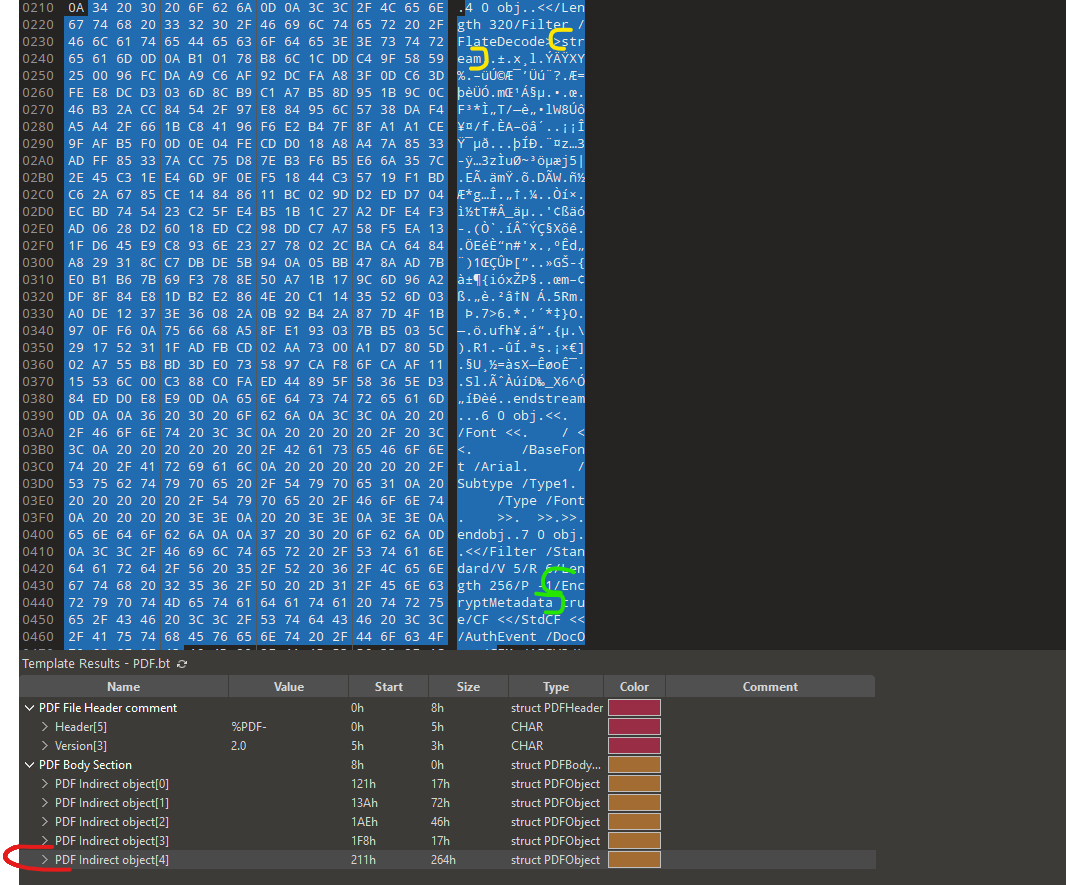
Opening the pdf in 010 Editor, the first thing I spot is the encrypted stream inside the pdf (highlighted yellow, green) inside body object number 5.
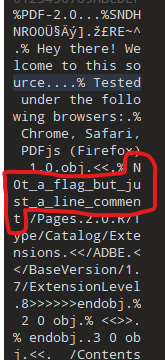
There is also a fake flag for the lolz
I believe decrypting the stream is the next step.
Decrypting the stream
There is a misc related tool called qpdf. I’ll use it to try to decrypt the stream.
1
2
3
4
5
6
7
8
9
10
11
12
13
14
15
16
17
18
$ qpdf --show-encryption pretty_devilish_file.pdf

User password =
Supplied password is owner password
Supplied password is user password
extract for accessibility: allowed
extract for any purpose: allowed
print low resolution: allowed
print high resolution: allowed
modify document assembly: allowed
modify forms: allowed
modify annotations: allowed
modify other: allowed
modify anything: allowed
stream encryption method: AESv3
string encryption method: AESv3
file encryption method: AESv3
qpdf: operation succeeded with warnings
Nice, I’ll try to decrypt the AES data:
1
2
$ qpdf --password='' --decrypt pretty_devilish_file.pdf maybe_flag.pdf
qpdf: operation succeeded with warnings; resulting file may have some problems
Opening the file doesn’t seem to help in any way, maybe the hex data will have something useful
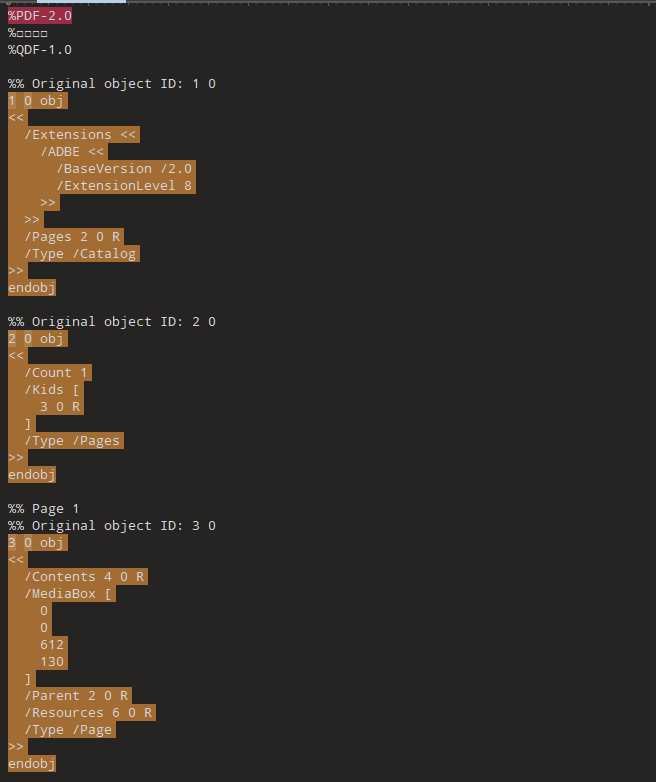
The PDF looks very nice and organized now, let’s look for the decrypted stream 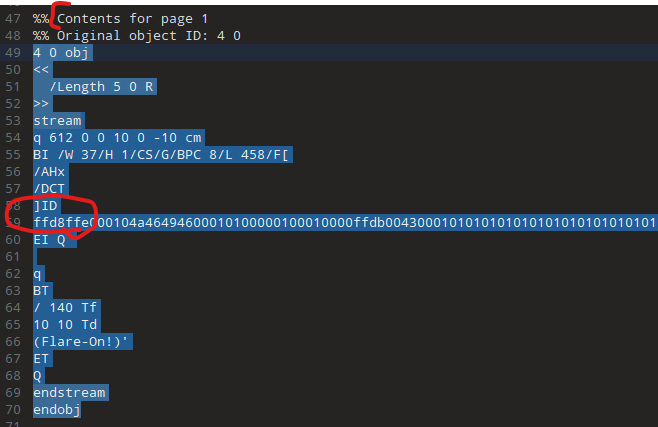
This is jpeg magic! I’ll dump this to a separate file. 
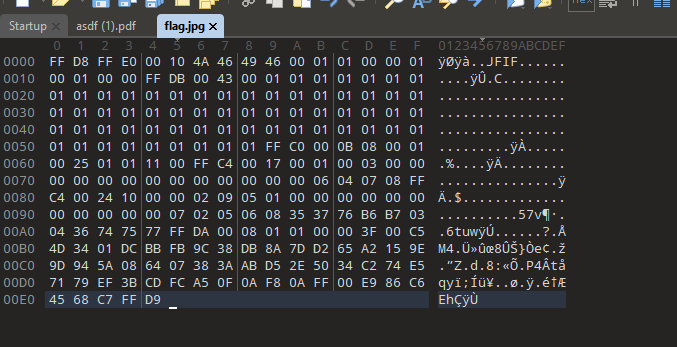
 This is a greyscale image.. At first I thought I copied the bytes wrong and got a blurry/invalid image, but no. when looking in 010 this is obviously greyscale
Transforming the Grayscale
Now, we need to transform the greyscale to the actual flag. I’ll use pillow to pare the image and numpy to get the data
1
2
3
4
5
6
from PIL import Image
import numpy as np

img = Image.open("flag.jpg").convert("L")
vals = list(np.array(img).flatten())
print("".join(chr(v) for v in vals))
1
2
$ python3 transform_greyscale.py
Puzzl1ng-D3vilish-F0rmat@flare-on.com
:D